
Crucial Pro 32GB DDR5 RAM Kit
4.8Editor score
6000MHz speed with CL36 timing
Compatible with Intel and AMD platforms
Rigorously tested for reliability
This guide compares the top DDR5 RAM for Overclocking to help you choose the fastest memory kit for gaming and productivity workloads in October 2026.
Choosing the right DDR5 RAM for Overclocking can significantly boost your system performance for gaming and heavy multitasking. High-speed memory ensures lower latency and smoother frame rates in modern titles.
We compared ten leading DDR5 kits based on speed, latency, compatibility, and user ratings. Our list covers options from reputable brands like Crucial, Corsair, and G.Skill for various budgets.
Each pick highlights key specs and real-world performance traits to guide your decision. Keep in mind that availability and pricing may fluctuate based on market demand and seasonal sales events.
4.8Editor score

4.6Editor score

4.7Editor score
The following table provides a side-by-side comparison of all ten selected DDR5 RAM kits. Review key specifications like speed, latency, and capacity to find the perfect match for your build requirements.




The Crucial Pro 32GB DDR5 RAM Kit stands out as a top performer for users seeking reliable high-speed memory. With a 4.8 rating, it delivers smooth performance for gaming and multitasking due to its 6000MHz speed.
We may earn a commission when you buy through this link, at no additional cost to you.
Its key strength lies in the balance of speed and latency. Operating at CL36 timings, it offers lower latency than many standard modules, leading to higher frame rates in AAA titles. This kit is rigorously tested at both component and module levels.
While it lacks RGB lighting which some builders prefer, the sleek black design fits most builds without distraction. The timings are stable and allow for extended overclocking without major instability issues during stress testing.
This kit is ideal for gamers and professionals who prioritize performance over flash aesthetics. If you need a reliable 32GB kit that works well with both Intel and AMD platforms, this is a strong recommendation.
Lower latency at 6000MHz improves frame rates significantly in fast-paced competitive games.
Backed by 42 years of memory expertise, ensuring top-tier reliability and component quality.
We may earn a commission when you buy through this link, at no additional cost to you.
The Corsair Vengeance RGB RS DDR5 offers a blend of performance and visual flair for custom builds. Its 4.3 rating reflects consistent performance for users seeking both speed and aesthetics in their system setup.
We may earn a commission when you buy through this link, at no additional cost to you.
The dynamic RGB lighting is a standout feature, delivering vibrant effects through a panoramic diffuser. Onboard voltage regulation ensures reliable power delivery at high frequencies which is crucial for stable overclocking sessions.
However, achieving maximum speed often requires BIOS adjustments which might be complex for beginners. Additionally, the user rating is slightly lower than competitors, suggesting potential minor inconsistencies in quality control.
This kit is perfect for builders who want a flashy look without sacrificing raw speed. If you value RGB aesthetics and need dual-profile compatibility, it fits well in high-end gaming rigs.
Individually addressable RGB lighting allows for unique effects across any viewing angle in your case.
Onboard voltage regulation supports stable operation at peak frequencies with proper motherboard tuning.
We may earn a commission when you buy through this link, at no additional cost to you.
The Crucial Pro DDR5 RAM 32GB Kit delivers impressive speed at a budget-friendly price point. With a 4.6 rating, it excels in gaming and productivity tasks thanks to its high 6400MHz operating speed.
We may earn a commission when you buy through this link, at no additional cost to you.
Operating at CL32 timing, this kit provides low-latency performance that benefits memory-intensive applications. The extended timings ensure stable overclocking while maintaining good compatibility with newer Intel and AMD CPUs.
While the timings are not the absolute tightest available, the speed gain makes it a compelling choice for value-conscious buyers. The black heat spreader offers a clean look that blends well with most system builds.
This is an excellent choice for users seeking high frequency without breaking the bank. If you want 6400MHz speed with stable profiles, this kit offers great value in the current market.
6400MHz speed provides quicker data access which improves multitasking and heavy workload performance.
Designed to work smoothly with Intel Core Ultra Series 2 and Ryzen 9000 Series desktop CPUs.
We may earn a commission when you buy through this link, at no additional cost to you.
The Crucial Pro Overclocking Edition provides a single 16GB module suitable for specific system configurations. It achieves a 4.7 rating due to its consistent performance and compatibility with modern DDR5 platforms.
We may earn a commission when you buy through this link, at no additional cost to you.
Operating at 6000MHz with CL36 timings, it offers solid speed for its capacity class. Being UDIMM compliant, it ensures broad support across various motherboards that handle DDR5 memory standards.
However, as a single module, it requires two kits for dual-channel configurations which may affect total cost. The simple design lacks extra features but focuses purely on delivering reliable memory performance for your build.
This module is ideal for users needing a specific capacity or replacement slot. If you require a reliable 16GB stick with high speed, this fits well in targeted upgrade scenarios.
UDIMM compliance ensures it works with standard DDR5-6000 memory support across different brands.
We may earn a commission when you buy through this link, at no additional cost to you.
The G.SKILL Flare X5 Series DDR5 kit offers robust performance for both AMD and Intel systems. Its 4.7 rating reflects strong compatibility and stable operation when configured correctly with supported motherboards.
We may earn a commission when you buy through this link, at no additional cost to you.
Designed with a matte black finish, it blends seamlessly into dark-themed builds without drawing unnecessary attention. It supports both AMD EXPO and Intel XMP 3.0 profiles for easy optimization in BIOS settings.
While maximum speed requires BIOS adjustments, the included profiles streamline the process significantly. Mixing memory kits is discouraged to avoid stability issues, so always purchase matched sets for best results.
This kit suits users who want a clean look with reliable performance across platforms. If you need 32GB capacity with solid speed support on latest CPUs, it is a strong contender.
Dual memory profiles allow you to easily select optimized settings for either AMD or Intel platforms.
We may earn a commission when you buy through this link, at no additional cost to you.
The Patriot Viper Venom DDR5 RAM stands out with its low latency and high speed combination. With a 4.6 rating, it delivers responsive performance for gaming and demanding applications in your desktop setup.
We may earn a commission when you buy through this link, at no additional cost to you.
Its key advantage is the CL30 latency which is tighter than many competitors at 6000MHz. This low latency translates to smoother gameplay and faster data access during intensive workloads like video editing.
While it lacks RGB lighting, the focus remains purely on performance metrics. The limited lifetime warranty adds significant value and peace of mind for long-term ownership and usage reliability.
This kit is ideal for performance-first users who value raw speed over flashy lights. If you need tight timings with reliable support for your system, this is a top choice.
CL30 timings provide faster response to commands which benefits gaming and professional workflows.
We may earn a commission when you buy through this link, at no additional cost to you.
The CORSAIR Vengeance RGB DDR5 RAM combines speed with sophisticated lighting control for your build. With a 4.7 rating, it offers robust performance alongside advanced RGB customization options through iCUE software.
We may earn a commission when you buy through this link, at no additional cost to you.
Onboard voltage regulation enables finer tuning of overclocking settings than standard motherboard controls. This leads to more stable high-frequency operation which is essential for maintaining peak performance over time.
Users note that maximum speed depends on system components and often requires BIOS tweaks. The higher voltage usage ensures stability but may increase power consumption slightly compared to lower voltage kits.
This kit is perfect for those seeking detailed control over both speed and visuals. If you want a reliable RGB solution with high speed potential for your PC, it delivers strong results.
Ten individually addressable LEDs per module allow for complex lighting effects visible from any angle.
We may earn a commission when you buy through this link, at no additional cost to you.
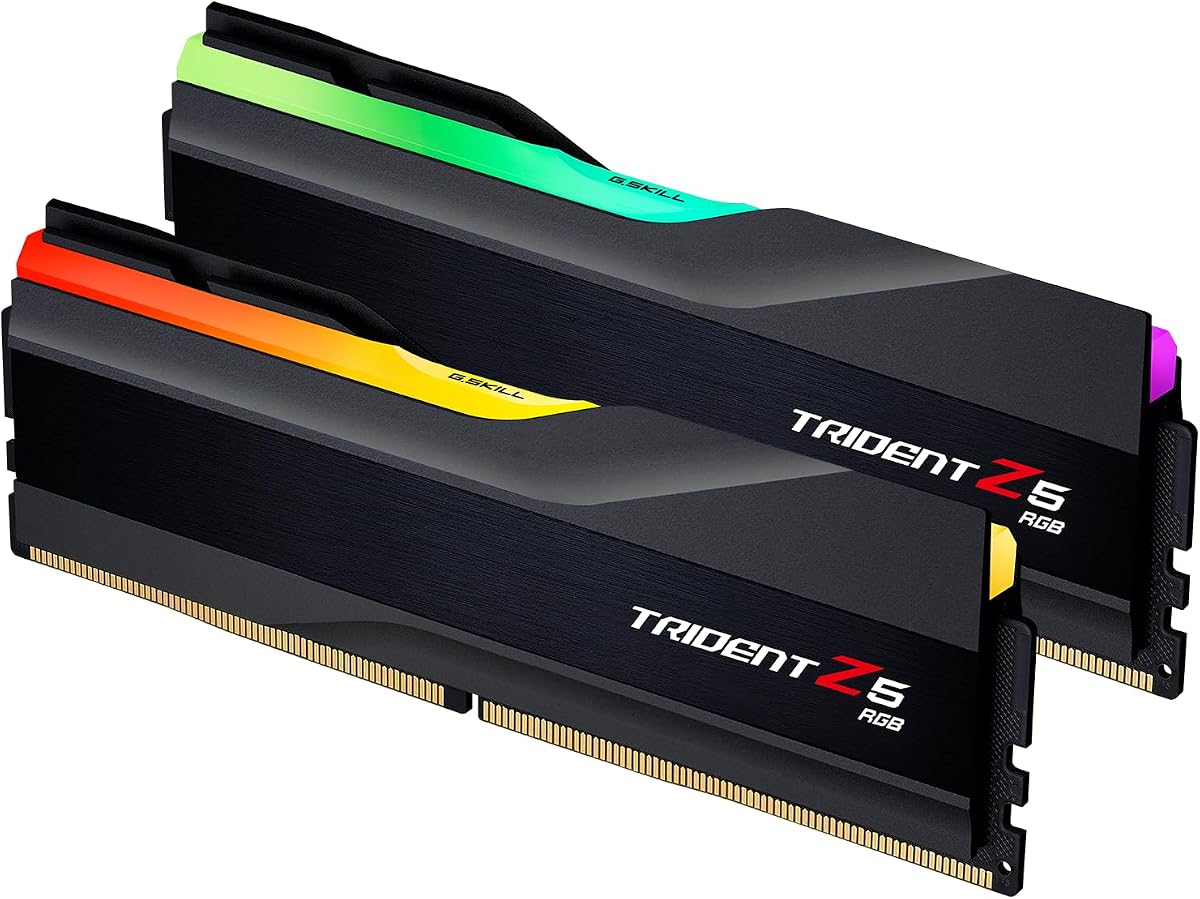
The G.SKILL Trident Z5 RGB Series DDR5 offers consistent performance with a sleek design. Its 4.7 rating indicates strong user satisfaction regarding stability and compatibility across various high-end motherboards.
We may earn a commission when you buy through this link, at no additional cost to you.
Supporting both Intel XMP 3.0 and AMD EXPO profiles ensures wide platform flexibility. The matte black finish provides a subtle look that complements many build aesthetics without being overly flashy.
Maximum speed performance depends on your specific motherboard and CPU combination. Always avoid mixing different memory kits to prevent potential instability or system boot failures during use.
This kit is ideal for users seeking a balanced RGB solution for their build. If you need reliable 32GB memory with broad platform support, it fits well into diverse configurations.
Dual profile support allows you to select optimized settings for either AMD or Intel processors easily.
We may earn a commission when you buy through this link, at no additional cost to you.
The CORSAIR Vengeance DDR5 offers a high-performing option with strong user feedback. With a 4.8 rating, it delivers stable performance for users seeking fast memory in their gaming setups.
We may earn a commission when you buy through this link, at no additional cost to you.
Tightly screened memory chips ensure extended overclocking potential and long-term reliability. Onboard voltage regulation helps achieve more stable operation at high frequencies compared to non-regulated modules.
Performance may vary depending on motherboard and CPU compatibility. BIOS adjustments are often needed to reach maximum speeds which requires some technical knowledge from the user.
This kit is great for those wanting reliable performance without complex setup. If you prioritize compatibility and stability for your build, this kit offers strong support.
Carefully screened memory chips allow for stable operation at higher frequencies with proper tuning.
We may earn a commission when you buy through this link, at no additional cost to you.
The G.SKILL Ripjaws S5 Series DDR5 provides reliable memory for a wide range of systems. Its 4.6 rating suggests consistent performance for users needing standard desktop memory with good speed.
We may earn a commission when you buy through this link, at no additional cost to you.
Designed as Non-ECC desktop memory, it works well with standard consumer motherboards. The included JEDEC default profile ensures basic boot compatibility before you apply overclocked profiles.
Maximum speed depends heavily on your specific motherboard and CPU configuration. Always refer to the validated hardware list to ensure stability and avoid issues during system boot.
This kit is ideal for those needing reliable 32GB memory for general use. If you want straightforward performance without advanced features, it fits well in many builds.
Check the manufacturer website for a list of validated motherboards to ensure system stability.
We may earn a commission when you buy through this link, at no additional cost to you.
Selecting the right DDR5 RAM kit involves considering several key factors to ensure compatibility and peak performance. This guide outlines what you need to look for when building or upgrading your PC.
Most users benefit from 32GB kits which offer enough headroom for modern games and multitasking. Single modules should not be mixed to prevent instability issues.
Aim for 32GB total capacity in dual channel for best balance and performance.
Speeds like 6000MHz or higher provide significant benefits for gaming and data processing. Higher MT/s values translate to faster data throughput across the CPU.
Choose speeds supported by your motherboard and CPU for stable operation.
Lower CL values mean faster response times which improve frame rates. Aim for CL30 or CL36 when available for optimal responsiveness.
Prioritize tight timings to ensure smoother performance in demanding titles.
Ensure the kit supports both Intel XMP 3.0 and AMD EXPO for flexibility. Check motherboard QVL lists for guaranteed compatibility with your specific hardware.
Always verify compatibility profiles before purchasing to avoid boot issues.
Look for kits with robust heat spreaders to manage thermal loads during overclocking. Efficient cooling ensures sustained performance under heavy workloads.
Prioritize designs with quality materials for heat transfer and stability.
Onboard voltage regulation helps maintain stable power delivery at high frequencies. This feature is critical for reliable overclocking without system crashes.
Check for features that support stable power delivery during tuning.
Lifetime warranties indicate confidence in product quality and longevity. Always check what the warranty covers regarding defects or compatibility.
Choose brands offering strong warranty support for peace of mind.
RGB lighting is optional but adds visual appeal to custom builds. If you want lighting, ensure compatibility with your motherboard's lighting software.
Decide if lighting is important before choosing a kit with extra features.
Always install memory in matching slots as specified in your motherboard manual to enable dual channel mode. Proper installation ensures maximum bandwidth and stability during operation.
Update your motherboard BIOS to the latest version to ensure compatibility with new memory profiles. This step often resolves boot issues and improves profile support.
Monitor system temperatures and stability after applying overclock profiles using benchmark tools. Consistent checks ensure your system remains reliable over long-term usage.
The best speed depends on your motherboard and CPU but 6000MHz is generally the sweet spot. Higher speeds are possible but require careful tuning and may not be stable across all systems. Stick to verified speeds for your specific hardware to avoid crashes.
Yes lower latency improves frame times and responsiveness which is noticeable in competitive titles. CL30 or CL36 timings are preferred over higher latency options. This reduces the delay between data requests and processing.
No you should not mix different DDR5 kits as it often causes stability issues or boot failures. Always use matched kits designed to run together as a set. Mixing can lead to unpredictable performance drops.
No special cooling is required but heat spreaders help manage thermal loads during overclocking. Most kits include sufficient passive cooling for standard cases. Good airflow is usually enough to keep them cool.
Enter your motherboard BIOS during boot and look for memory profiles under overclocking settings. Select XMP 3.0 for Intel or EXPO for AMD to enable optimized speeds. Save changes and reboot to apply settings.
RGB kits add visual appeal but do not impact performance significantly. If aesthetics matter to you they are worth the extra cost. Otherwise stick to standard kits for better value.
The top picks offer a range of choices balancing speed reliability and visual appeal for any build. Crucial and Patriot lead in performance per dollar while Corsair offers strong RGB control.
Prioritize speed and latency that match your system's capabilities before worrying about extra features. Compatibility with your motherboard and CPU is essential for stable long-term performance.
Always check current availability and prices as the market changes frequently. Ensure the kit you choose meets your performance goals and fits your budget for a successful upgrade.