
Creality Ender 3 V3 SE
4.1Editor score
Fast 250mm/s speed
Auto leveling sensor
Easy filament loading
This guide compares the easiest 3D printers for beginners, kids, and pros, highlighting auto leveling, quick setup, and reliable performance for hassle free
Finding an easy to use 3D printer can transform your creative projects from frustrating to fulfilling. Modern machines now feature automatic calibration, intuitive interfaces, and reliable performance that removes the technical barriers of the past. Whether you are a parent looking for a safe kit for kids or a hobbyist wanting speed and precision, the right device makes all the difference.
We evaluated top models based on setup time, calibration automation, print quality, and user feedback. Our selection includes fully assembled units, Wi Fi enabled devices, and systems designed specifically for safety and simplicity. Each product offers unique strengths, from AI assisted design tools to enclosed chambers for advanced materials, ensuring there is a perfect fit for every skill level.
Every pick below details key features, pros, cons, and real world performance insights to help you choose confidently. Note that prices and availability can change, so check current listings before purchasing. With the right choice, you can start printing functional parts, toys, and art pieces almost immediately without spending hours troubleshooting.
4.1Editor score

4.7Editor score

4.5Editor score
This side by side comparison highlights the key specifications and capabilities of each selected printer to help you make an informed decision based on your specific needs and priorities.




The Bambu Lab A1 stands out as the top choice for anyone seeking an easy to use 3D printer. With a 4.7 rating and features like full auto calibration, it removes the guesswork from bed leveling and Z offset adjustments. Its high speed precision and multi color compatibility make it ideal for creators who value both performance and simplicity.
We may earn a commission when you buy through this link, at no additional cost to you.
Its standout strengths include active flow rate compensation and a 10,000 mm/s² acceleration that ensures fast yet accurate prints. The simplified touchscreen and 1 clip quick swap nozzle make maintenance effortless. Even for beginners, the setup is seamless, allowing you to focus on design rather than technical troubleshooting.
While it offers a comprehensive feature set, note that multi color printing requires purchasing the AMS lite separately or opting for the Combo variant. Additionally, the price is higher than entry level models. However, these are minor trade-offs considering the reliability and speed gains it provides over traditional printers.
This printer is perfect for hobbyists, families, and small businesses needing reliable results with minimal setup time. Whether you are printing toys, functional parts, or artistic models, the A1 delivers consistently. We highly recommend it for those ready to invest in a premium yet intuitive 3D printing experience.
The A1 handles Z offset and bed leveling automatically, saving hours of manual tweaking and ensuring perfect first layers every time.
With active motor noise canceling and 10,000 mm/s² acceleration, you get rapid prints without disturbing your workspace environment.
We may earn a commission when you buy through this link, at no additional cost to you.
The FLASHFORGE Adventurer 5M offers impressive speed and accessibility for those new to 3D printing. Its one click automatic printing and auto leveling ensure consistent first layers without manual adjustment. With a 280°C direct extruder and quick 3-second nozzle changes, it supports diverse filament needs while maintaining efficiency.
We may earn a commission when you buy through this link, at no additional cost to you.
Key features include a CoreXY structure enabling 600mm/s travel speed and a high-flow 32mm³/s nozzle for rapid production. The Flash Studio app allows real-time monitoring and adjustments from your phone. This connectivity adds convenience, making it easy to track progress without staying near the machine.
Some users report variability in print quality and durability, reflected in its 3.9 rating. The lack of an enclosed chamber limits advanced material options. However, for standard PLA and PETG prints, it delivers solid performance. Consider it if speed and budget are priorities over premium features.
Ideal for rapid prototyping and creative projects at home or in small offices, this model balances speed with usability. It suits users who want fast results and remote control without complex setup. With its modular design, you can expand capabilities as your skills grow.
Automated bed leveling ensures flawless first layers, eliminating manual tweaks and saving time for every new print job.
Adjust settings and check progress remotely via the Flash Studio app, offering seamless control from anywhere in your home.
We may earn a commission when you buy through this link, at no additional cost to you.
The Bambu Lab A1 mini brings the power of the A1 to a smaller footprint, perfect for beginners and hobbyists. Its automatic calibration and simple setup mean you start printing within minutes. The included LED Lamp Kit adds creative value, letting you transform prints into functional lights for decor or gifts.
We may earn a commission when you buy through this link, at no additional cost to you.
This printer excels in everyday creativity, offering high speed and high quality prints with minimal noise. The Bambu ecosystem provides access to thousands of ready-to-print models via MakerWorld. You can manage prints through the Bambu Handy app, making it easy to track and control your projects remotely.
While its compact size limits large projects, it remains versatile for toys, home decor, and functional tools. The rating of 4.4 reflects strong satisfaction among users who prioritize ease of use. It may lack advanced multi-color capabilities without extra modules, but for single material prints, it shines.
Best for students, parents, or anyone with limited desk space, the A1 mini delivers a seamless and enjoyable experience. It turns ideas into real-life creations effortlessly. If you value reliability and a supportive community library, this is a top pick for easy 3D printing.
Print compatible lamp models and convert them into functional decorative lights, adding a creative touch to your DIY projects.
Access MakerWorld’s model library and manage prints via the app, streamlining workflows for smarter and more enjoyable printing.
We may earn a commission when you buy through this link, at no additional cost to you.
The Bambu Lab P1S is built for advanced users seeking premium performance without complexity. Its enclosed design supports a wide range of filaments, from PLA to ASA, while auto bed leveling ensures consistent results. With speeds up to 500mm/s and a 15-minute setup, it’s both powerful and accessible.
We may earn a commission when you buy through this link, at no additional cost to you.
It supports multi-color printing via the Bambu Lab AMS system, bringing designs to life with vibrant details. The user-friendly interface and automatic calibration minimize manual intervention. You can start printing complex, multi-material projects with confidence, knowing the system handles precision and adhesion.
The higher price and need for extra AMS modules can be considerations for budget-conscious buyers. However, for reliability and material versatility, it offers significant value. Users praise its robust build and seamless integration, making it a favorite for professionals and serious hobbyists.
Ideal for makers needing a reliable workhorse for various materials, the P1S combines speed, quality, and ease. It reduces wait times and maximizes creativity. If you want a system that grows with your skills, this premium option delivers outstanding long-term results.
The fully enclosed body improves performance with high temp materials like ASA and ABS, preventing warping during complex prints.
Connect the AMS system to create vibrant multi-color prints, transforming designs into striking creations with ease and precision.
We may earn a commission when you buy through this link, at no additional cost to you.
The AOSEED AI 3D Printer is designed specifically for kids and beginners, blending safety with creativity. Its enclosed design and TÜV Rheinland tested materials ensure a safe environment for young creators. With AI Doodle tools, children can design custom models using voice or image prompts without needing CAD skills.
We may earn a commission when you buy through this link, at no additional cost to you.
This printer includes over 8,000 pre-tested models and accessories, making it a complete starter kit. The built-in camera and app allow real-time monitoring and time-lapse videos, so parents can track progress safely. One-tap printing simplifies the process, keeping the focus on fun and learning.
While it only supports single-color printing and has a smaller build volume, it excels in safety and education. The 4.5 rating reflects high satisfaction among families who appreciate the thoughtful design. It encourages STEM skills and creativity while minimizing frustration for young users.
Perfect for parents seeking a safe, educational gift, this printer turns ideas into toys and keepsakes quickly. With Wi-Fi and voice control, it integrates easily into modern homes. If you value engagement and safety, the AOSEED AI 3D Printer is an excellent choice.
Kids create custom models using voice or image prompts, removing the need for design skills and sparking imagination.
Designed with pinch-resistant features and tested materials, it ensures a secure printing environment for children and families.
We may earn a commission when you buy through this link, at no additional cost to you.
The Entina Tina2C is a compact mini printer designed for first-time users and kids. Fully assembled and ready to start in just 8 minutes, it removes setup barriers. Its auto leveling and self-cleaning nozzle ensure smooth operation, while the Poloprint Cloud app offers STEM learning and creative modules.
We may earn a commission when you buy through this link, at no additional cost to you.
Key strengths include offline and WiFi printing flexibility, along with quick-swap maintenance and power-loss recovery. This ensures fewer failed prints and continuous operation. The included LED lighting helps monitor progress safely. With over 3,500 models and DIY modules, it offers endless creative possibilities.
Its small build size limits larger projects, but it’s perfect for educational tasks and small toys. The 4.4 rating highlights reliability and ease of use. Some users note dependency on app connectivity for features, which may be a hurdle for offline use cases.
Best for classrooms, home offices, or kids learning STEM, this printer balances affordability with smart features. It simplifies 3D printing into an engaging educational experience. If you need a compact, safe, and learning-focused device, the Tina2C is a strong contender.
Ready to print in 8 minutes out of the box, skipping complicated assembly steps that often frustrate beginners.
Access AI search, creative modules, and interactive courses that turn printing into an engaging educational activity for kids.
We may earn a commission when you buy through this link, at no additional cost to you.
The FLASHFORGE AD5M combines high-speed precision with beginner-friendly features like fully automatic one-click leveling. Its CoreXY all-metal structure ensures stable motion, while the patent quick-release nozzle allows tool-free changes in 3 seconds. This design makes maintenance effortless and reduces downtime.
We may earn a commission when you buy through this link, at no additional cost to you.
With a flexible PEI steel plate and dual-sided usage, print removal is simple and adhesion is strong. The Orca-flashforge slicer and Flash Maker app enable network monitoring and remote adjustments. Power-loss recovery ensures that prints can resume after outages, saving time and material.
While the lack of an enclosure limits high-temp materials, it performs well for PLA and PETG. The 4.2 rating reflects reliability and performance for its price. Users appreciate the robust build and ease of maintenance, making it suitable for varied projects.
Ideal for hobbyists needing precision without complexity, the AD5M delivers consistent results and flexible tools. If you want a reliable machine with easy access and quick maintenance, this model offers a balanced package for creative and technical tasks.
The automatic leveling system measures nozzle distance precisely, ensuring flawless first layers without manual calibration tools.
Provides stable motion for high-speed printing, maintaining quality while delivering durable performance over time.
We may earn a commission when you buy through this link, at no additional cost to you.
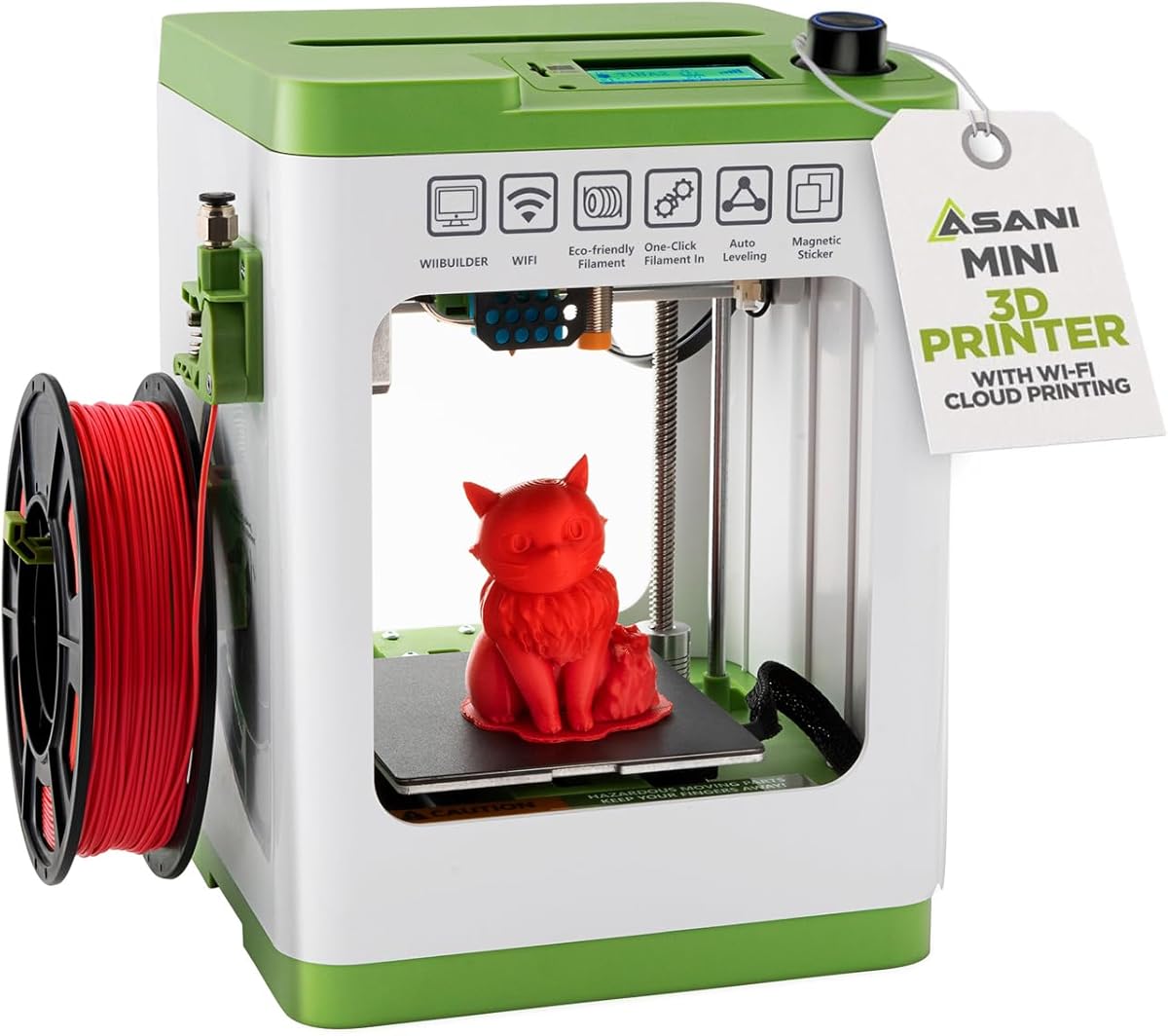
The TINA2S is a fully assembled mini printer that simplifies entry into 3D printing. Its auto leveling and one-touch filament loading remove common setup hurdles. With a complete kit including filament and tools, you can start creating immediately. This makes it ideal for classrooms or home projects.
We may earn a commission when you buy through this link, at no additional cost to you.
Key features include dual Z-axis rails for precision and a magnetic build plate for easy removal. The WiFi-capable system works with most slicers, offering open-source flexibility. Active pause and resume functions give you control, ensuring safety and reducing failed prints.
The 4.6 rating highlights reliability and simplicity. However, using the specified platform plate is crucial for sensor function. Its compact size limits large projects, but it delivers consistent results for smaller builds. Users value its straightforward setup and support for beginners.
Best for educational use or casual creators, the TINA2S balances affordability with robust features. If you want a plug-and-play experience with room to grow, this printer is a dependable choice for kids and first-time users.
Includes printer, filament, tools, and pre-installed designs, so you have everything needed to start printing right away.
Load and retract filament at a button touch, making setup and changes easy for first-time users.
We may earn a commission when you buy through this link, at no additional cost to you.
The Creality Ender 3 V3 SE offers exceptional value for beginners needing speed and reliability. Its CR Touch auto leveling and automatic Z-offset calibration simplify setup. With 250mm/s high-speed printing and a Sprite direct drive extruder, it delivers consistent performance for PLA, PETG, and TPU.
We may earn a commission when you buy through this link, at no additional cost to you.
Stable motion systems with synchronized Z-axis screws reduce vibration and ensure accurate alignment. The 32-bit silent mainboard keeps noise low, and the flexible spring steel plate enables easy model removal. These features combine to provide a smooth and efficient printing experience.
While it lacks Wi-Fi and advanced interfaces, it focuses on core functionality at an affordable price. The 4.1 rating reflects solid performance for its class. Users appreciate the straightforward assembly and reliable results, making it a popular choice for new makers.
Ideal for budget-conscious users seeking proven performance, the Ender 3 V3 SE is a trusted entry-level option. If you prioritize speed and simplicity over smart features, this printer offers strong value for everyday projects.
Complete prototypes and parts faster with 250mm/s speeds, improving productivity without sacrificing print quality.
Smooth filament feeding for various materials, ensuring reliable extrusion for everyday printing applications.
We may earn a commission when you buy through this link, at no additional cost to you.
The Anycubic Kobra X stands out with its native 4-color system, ready out of the box for vibrant prints. Its LeviQ 3.0 auto bed leveling ensures 100% flatness with a 49-point calibration. With speeds up to 600mm/s, it reduces wait times and cuts material costs.
We may earn a commission when you buy through this link, at no additional cost to you.
Smart AI monitoring includes spaghetti and foreign object detection for safer operation. The app remote control and vast model library support creative freedom. Its large 260mm x 260mm x 260mm print size accommodates complex projects. Connectivity options include dual-band Wi-Fi for easy remote access.
Note that filament is not included, and ACE expansions must match compatible versions. The 4.2 rating reflects satisfaction with performance and color features. Users enjoy the blend of speed, precision, and simplicity that supports both hobbyists and professionals.
Best for those wanting multicolor prints without extra modules, the Kobra X delivers native creativity and reliability. If you seek speed, advanced detection, and large builds, this printer offers strong versatility for home and school use.
Turn ideas into reality with built-in color capability, expanding your creative palette without needing extra modules.
The LeviQ 3.0 leveling uses advanced algorithms for 100% flatness, ensuring perfect adhesion every time.
We may earn a commission when you buy through this link, at no additional cost to you.
Choosing the right easy to use 3D printer involves balancing features, safety, and ease of setup to match your specific needs and skill level.
Automatic calibration systems handle bed leveling and Z-offset adjustments for you, eliminating a major pain point for beginners. Look for printers that offer one-click or fully auto setup to ensure reliable first layers.
Prioritize models with automated calibration to save time and reduce failed prints due to bed adhesion issues.
Quick setup means less time assembling and more time printing. Fully assembled units or those that can start in minutes like 15 are ideal for hassle-free entry into 3D printing.
Choose printers designed for fast setup to begin your projects immediately without complex mechanical tuning.
Safety is critical, especially for kids or home use. Look for enclosed designs, pinch-resistant mechanisms, and tested materials that prevent accidents. Filament runout detection adds reliability by pausing prints before failures occur.
Opt for models with robust safety systems to ensure a secure environment for all users.
WiFi, Bluetooth, and app support allow remote monitoring and control. This convenience means you can track progress or adjust settings without staying near the machine.
Select printers with strong connectivity features to streamline your workflow and gain flexibility.
High speeds and precise mechanics like CoreXY or synchronized Z-axis lead to better quality and efficiency. Ensure the printer can handle your target print sizes with consistent resolution.
Balance speed and precision to match your project needs without sacrificing detail or reliability.
Consider which filaments you plan to use. Some printers support advanced materials like ABS or ASA, while others focus on PLA. Temperature range and extruder type influence material versatility.
Choose a printer that supports your preferred materials to expand creative possibilities.
Access to model libraries, community support, and regular firmware updates enhances usability. Systems with integrated apps or online resources simplify learning and troubleshooting.
Look for brands with strong ecosystem support to maintain ease of use over time.
Determine your budget but consider long-term value. A slightly higher upfront cost may save money on failed prints or upgrades. Compare feature sets to find the best balance.
Invest in a printer that offers features aligned with your goals rather than just the lowest price.
Start by setting up the printer according to the quick-start guide. Most easy-to-use models auto-level, but verify the first layer height visually to ensure adhesion. Place the printer on a stable, level surface away from direct sunlight or drafts.
Load filament using the one-touch or guided process provided by the app or menu. Monitor the initial print using the camera or app if available to catch issues early. Keep the area clean and ensure proper ventilation for safe operation.
Regularly clean the nozzle and check for filament clogs. Replace worn parts like nozzles as needed. Store filament in dry conditions to prevent moisture damage. Update software and firmware to maintain peak performance and safety.
Many models feature enclosed designs, pinch-resistant parts, and tested materials to ensure safety. Always supervise usage and choose printers specifically rated for children. Safety features like auto pauses and filament detection help prevent accidents during operation.
Most modern easy-to-use printers can be ready in under 15 minutes, some as fast as 8 minutes. Fully assembled units eliminate the need for mechanical calibration, so you can start printing almost immediately after plugging in.
No. Many printers include access to thousands of pre-made models or AI-assisted design tools that let you create shapes without CAD knowledge. Apps and libraries simplify the process for beginners.
PLA is the most common and easiest to use due to low temperature and minimal warping. PETG and TPU are also beginner-friendly for added durability or flexibility. Choose filaments rated for easy handling and safe home use.
Some models offer native multi-color systems or support add-on modules like AMS. While standard printers typically print one color at a time, specialized units allow multi-color printing without manual filament swaps.
Clean the nozzle regularly, check for filament clogs, and store material properly. Most modern printers have self-cleaning features or quick-swap parts to simplify maintenance. Keep firmware updated to maintain performance and safety.
No. While WiFi adds remote control and monitoring, many printers support offline printing via SD cards or USB. Use connectivity if convenient but know offline options exist.
Modern printers often include power-loss recovery and auto-resume to resume after interruptions. Ensure auto leveling is active and check first layer adhesion. Use monitoring features to catch issues early and prevent wasted filament.
The Bambu Lab A1, FLASHFORGE Adventurer 5M, and Bambu Lab P1S lead our picks with top performance and ease of use. Each offers unique strengths from automation to speed. Choosing among them depends on your priorities and budget.
Focus on setup time, safety features, and connectivity to find the right fit for your workflow. Consider whether you need multi-color capabilities or if a simpler design suffices. Balance features with long-term usability.
Remember that prices and availability change regularly, so check current listings before buying. Whether you're printing toys, prototypes, or art, the right easy to use 3D printer will unlock creativity and streamline your projects.