
Standard 5ft AC Power Cord Cable
4.7Editor score
Universal 3 pin design
5ft length cable
Heavy duty 18 AWG
This guide compares the top ASUS Monitor Power Cord Replacement options to help you find the right adapter for your specific monitor model and power needs.
Finding the right power supply is crucial for keeping your display running smoothly. A reliable replacement ensures stable voltage and protects your device from electrical issues.
We evaluated ten top-rated options based on compatibility, build quality, and safety features. Each product offers unique benefits for different ASUS monitor series and user requirements.
Our picks highlight key specs and real-world performance insights. Note that availability and terms may vary by region and retailer at the time of purchase.
4.7Editor score

4.6Editor score
4.4Editor score
This side-by-side comparison highlights key specifications across all ten products to help you quickly identify the best fit for your setup.


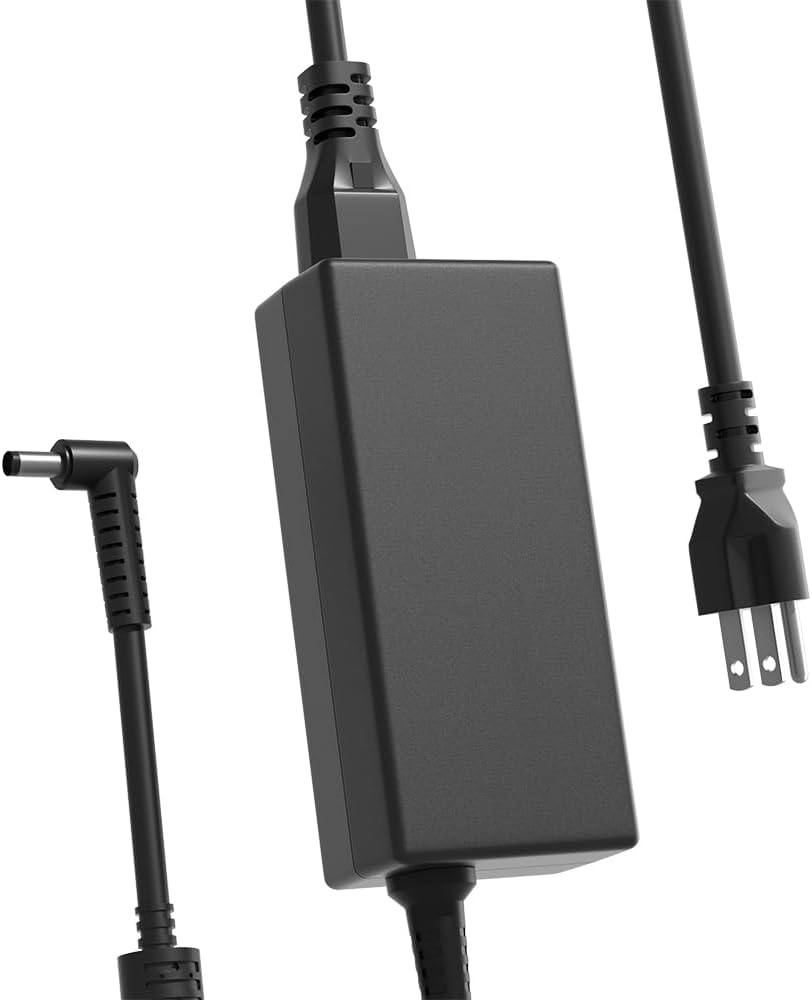


This adapter stands out as a top choice for many users needing a reliable power source. With a high 4.8 rating it delivers consistent performance across various monitor types.
We may earn a commission when you buy through this link, at no additional cost to you.
The ability to support up to 90W ensures that even high-performance gaming monitors receive enough juice. It covers a vast range of models from VG to VX series.
Some users might find the physical size slightly bulkier than original units. However the flexibility it offers in covering so many models outweighs this minor trade-off.
If you need a versatile solution for multiple devices or specific high-wattage displays this is a strong contender. It restores power quickly and keeps your setup running.
Supports numerous sizes from 22 to 27 inches ensuring you find a fit for your specific screen.
Delivers sufficient power for demanding setups preventing flickering or shutdowns during intensive use.
We may earn a commission when you buy through this link, at no additional cost to you.
For those who only need a cable connection this is the most cost-effective solution available. It simplifies power delivery when you have a working brick but a frayed cord.
We may earn a commission when you buy through this link, at no additional cost to you.
The heavy-duty construction ensures it lasts through daily movement and bending. It fits any device with a standard three-prong input connector common in modern electronics.
It is important to note this is a cable only and not a full adapter. You must ensure your monitor uses an external power supply that accepts this standard connector.
If you have a compatible adapter but need a longer or stronger cord this item is perfect. It provides a simple and safe way to connect your monitor to the wall.
Works with a wide variety of electronics beyond monitors including computers and printers.
Fully molded design protects the connection points from wear and tear over time.
We may earn a commission when you buy through this link, at no additional cost to you.
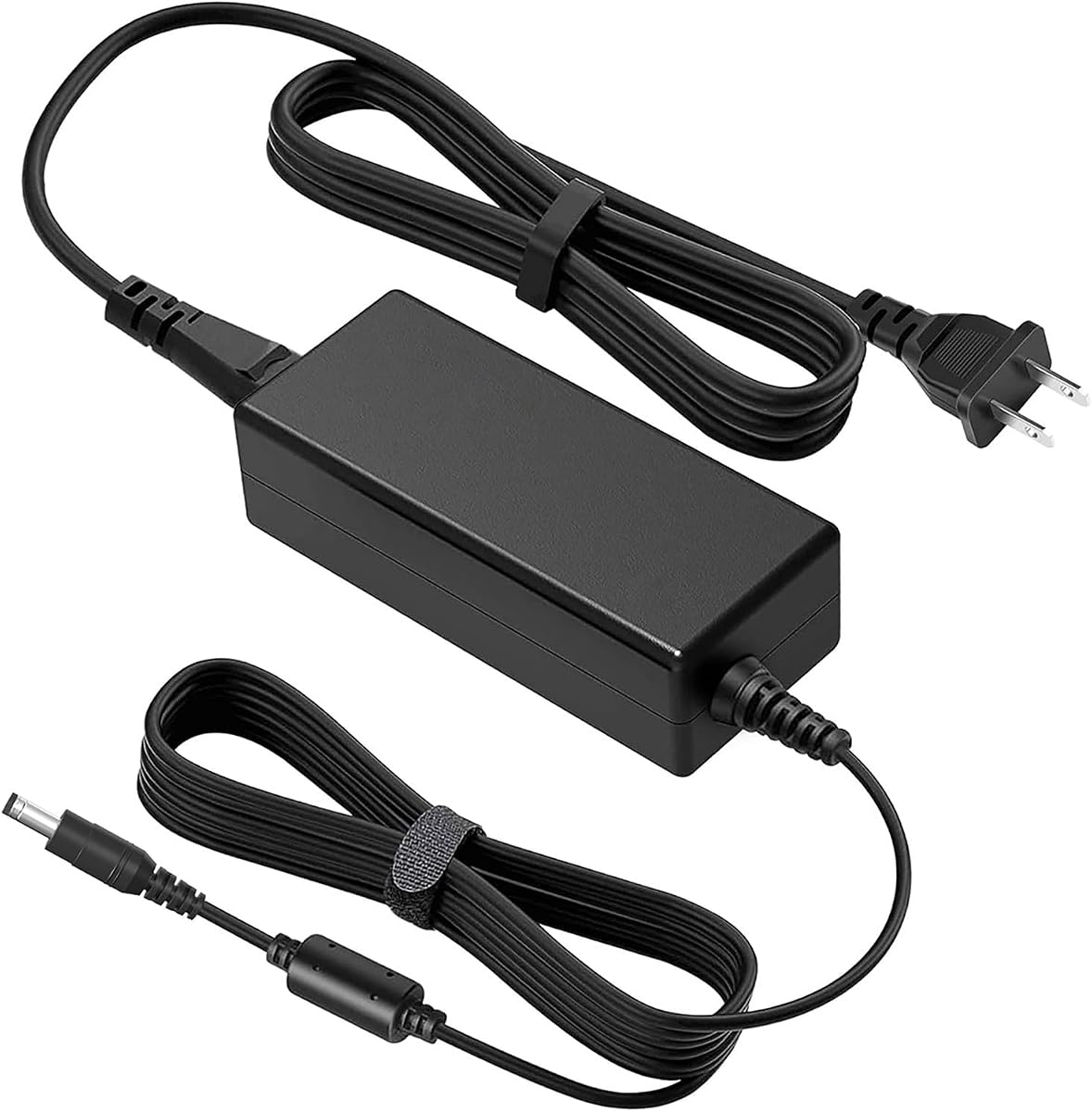
This adapter is specifically tuned for the most popular ASUS monitor models found in the US market. It offers a robust 65W output that handles various screen sizes with ease.
We may earn a commission when you buy through this link, at no additional cost to you.
Safety is a priority here with certifications ensuring the unit protects against overheating and over-voltage. This gives peace of mind for long hours of operation.
It does not work with smaller 4mm tips or 12V requirements so checking your port is essential. For supported models however it provides a quick and stable power restore.
Choose this if you own a standard 22 to 27 inch LED screen. It brings your display back to life with consistent energy and reliable connections.
Industrial-grade materials prevent short circuits and ensure safe operation under load.
Designed for top-selling series like VS VG and ROG Swift for broad coverage.
We may earn a commission when you buy through this link, at no additional cost to you.
Gamers looking for a dependable power source will appreciate the stability this unit offers. It handles high refresh rate displays without introducing flickering or power drops.
We may earn a commission when you buy through this link, at no additional cost to you.
The compatibility list is extensive covering VS ROG MX and VX series with precision. It matches specific part numbers for those who prefer an exact replacement match.
It does not support lower voltage models so verifying your input requirements is necessary. For 19V users the protection circuitry ensures daily use is safe and reliable.
This adapter is a smart upgrade for those with older units failing after years of use. It provides clean energy to keep your monitor running smoothly for gaming or work.
Delivers the consistent power needed for high refresh rate gaming setups.
Works with specific original part numbers ensuring seamless integration with your setup.
We may earn a commission when you buy through this link, at no additional cost to you.
This option stands out for its extensive model support including 32 inch screens. It is designed to handle a wide variety of configurations with high precision and reliability.
We may earn a commission when you buy through this link, at no additional cost to you.
Built with a high-efficiency smart chip it ensures the monitor runs smoothly even under high brightness. This is crucial for preventing issues during fast refresh rate tasks.
Protection is paramount here with six layers ensuring safety against common electrical faults. The long cable also adds convenience for flexible placement in larger offices.
Choose this if you need a comprehensive solution for larger displays or complex setups. It balances power delivery with top-tier safety for your valuable equipment.
Ensures precise voltage conversion for stable performance during high load usage.
Provides reach flexibility allowing you to place your adapter further from the outlet.
We may earn a commission when you buy through this link, at no additional cost to you.
Zaidtek targets specific gaming lines like Tuf and ROG Swift with this unit. It ensures that high performance displays get the power they need for smooth operation.
We may earn a commission when you buy through this link, at no additional cost to you.
The compatibility extends to many common models like VG278Q and PG278Q. It supports global voltage which is great for travelers or international setups.
While it is a standard brick it is built to handle continuous use without overheating. It replaces older units that may have lost efficiency over time.
If you use a Tuf or ROG monitor this is a direct and reliable replacement. It restores your screen to factory level performance with stable energy.
Optimized for gaming lines ensuring no power bottlenecks during intense sessions.
Input handles various mains voltages making it suitable for use worldwide.
We may earn a commission when you buy through this link, at no additional cost to you.
This adapter provides a solid and consistent power delivery for a wide range of monitors. It is built to handle daily tasks without issues or fluctuations.
We may earn a commission when you buy through this link, at no additional cost to you.
It fits most common 22 to 27 inch screens ensuring you can find the right fit for your needs. The connector design is secure and reliable for long-term use.
While it is a standard unit it performs well across various monitor types and brands. It is a good choice for those needing a straightforward and dependable replacement.
Choose this if you want a simple solution that just works. It restores power quickly and keeps your monitor running smoothly for work or entertainment.
Delivers steady power for reliable operation across a wide range of monitor models.
Supports various input voltages for use in different regions and countries.
We may earn a commission when you buy through this link, at no additional cost to you.
This unit is designed for both home office and portable use with a compact and lightweight design. It adjusts automatically to device temperature for safer charging.
We may earn a commission when you buy through this link, at no additional cost to you.
It covers a vast range of models including VC VX and VZ series ensuring broad compatibility. The built-in chip optimizes power flow based on your device status.
Safety is enhanced with flame retardant materials that protect against heat buildup. This is a robust option for daily use or travel needs.
Choose this if you need a reliable portable solution for your monitor setup. It keeps your device safe while delivering consistent power wherever you go.
Compact and lightweight for easy packing during travel or daily commute.
Built-in safeguards protect against common electrical issues and overheating.
We may earn a commission when you buy through this link, at no additional cost to you.
This adapter is unique in its ability to support both HP and Asus models with a single unit. It is engineered for reliable replacement power across both brands.
We may earn a commission when you buy through this link, at no additional cost to you.
It is lightweight and easy to manage for desk setups or travel needs. The voltage support makes it suitable for use in many different regions.
Be sure to check the tip size as it does not fit larger connectors like 6.5mm. For supported units it provides a practical and efficient power solution.
Choose this if you manage a mixed environment of HP and Asus monitors. It simplifies your spares and ensures both types stay powered.
Fits both HP and Asus monitors for versatile office use.
Easy to manage for multi-monitor setups or travel needs.
We may earn a commission when you buy through this link, at no additional cost to you.
This unit features an extended 8-foot cable that provides great reach for your monitor. It ensures you can place your outlet adapter anywhere you need for a clean setup.
We may earn a commission when you buy through this link, at no additional cost to you.
Built with pure copper wires it minimizes heat and improves power efficiency. This helps maintain a stable output during long sessions without overheating.
Safety is backed by CE FCC RoHS certifications ensuring the unit is safe for daily use. It is a high-quality option for reliable power delivery.
Choose this if you need extra cable length for your desk or workspace. It keeps your setup safe and efficient with a reliable power source.
8-foot cable provides flexible placement for outlet connection.
Pure copper core ensures stable output and low heat generation.
We may earn a commission when you buy through this link, at no additional cost to you.
Selecting the right power supply involves checking voltage amp ratings and physical connector sizes to ensure compatibility with your specific model.
The voltage must match exactly (usually 19V for ASUS) to prevent damage. Amp ratings should meet or exceed the original spec to support your monitor's power draw.
Always verify both numbers on your original label before buying a replacement.
Most models use a 5.5mm x 2.5mm tip but some use smaller sizes. Measuring the tip diameter ensures you get a snug fit without loose connections.
Use a caliper to measure the inner and outer diameter if unsure.
Wattage is calculated by multiplying volts and amps. Ensure your replacement offers at least the same wattage as your original adapter to avoid underpowering.
Higher wattage units can support larger monitors or high refresh rates effectively.
Look for CE FCC and RoHS markings which indicate tested safety standards. These protect against overheating over-voltage and short circuits.
Avoid uncertified adapters to reduce fire risks and protect your monitor.
Durable materials like flame retardant plastic and metal shielding extend life. A sturdy cable prevents fraying and ensures a secure connection over time.
Check product reviews for mentions of long-term durability.
Longer cables provide better placement options for your desk. Ensure you need enough reach to connect your adapter comfortably to a power outlet.
Measure your distance to confirm the length fits your workspace.
Review the model numbers supported by the adapter to confirm it matches yours. This ensures the unit is tested for your specific monitor series.
Check if it lists your model code in its official compatibility list.
Compare prices across retailers to find the best value. Check for return policies or warranties to protect your investment.
A modest price increase may be worth the added peace of mind.
Unplug your monitor from the power outlet before connecting the new adapter. Insert the DC tip securely into the power port on the back of your monitor.
Connect the AC end to a wall outlet. Ensure the plug fits snugly to avoid loose connections that could interrupt power.
Inspect the cable periodically for wear or damage. Keep the area around the adapter clean and dry to extend its lifespan.
Using a different voltage can damage your monitor. Always check that the voltage matches the original spec (e.g., 19V) exactly to prevent electrical issues.
Yes. as long as the voltage matches. A higher wattage adapter provides more power headroom which can help with stability during high-performance use.
Most ASUS monitors use 5.5mm x 2.5mm tips but some use smaller sizes. Use a caliper to measure the outer and inner diameters for a precise match.
Yes. Most power adapters are compatible with standard power strips. Just ensure the strip is rated for the same voltage and current as your adapter.
Check the adapter connections first. If the cable is damaged or the outlet is faulty the monitor will not receive power. Try a different outlet or cable.
A quality replacement typically lasts several years depending on usage. Avoid bending the cable sharply or exposing it to heat to extend its life.
Many sellers offer warranties on replacement adapters. Check the product listing for details on coverage and return policies to protect your purchase.
Use a dry soft cloth to wipe the exterior. Never clean with liquids or chemicals as moisture can damage internal components.
We compared ten reliable options to help you find the perfect power supply for your display. Whether you need a budget cable or a full adapter there is a fit for your needs.
Focus on matching voltage amp ratings and connector sizes for safe operation. Safety features and build quality also play a key role in long-term reliability.
Check current availability and return policies before purchasing. A right power supply ensures your monitor runs smoothly and protects your investment.